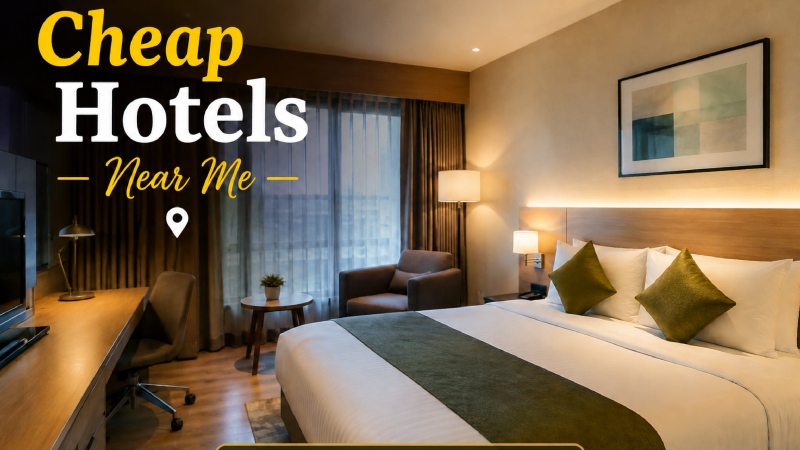
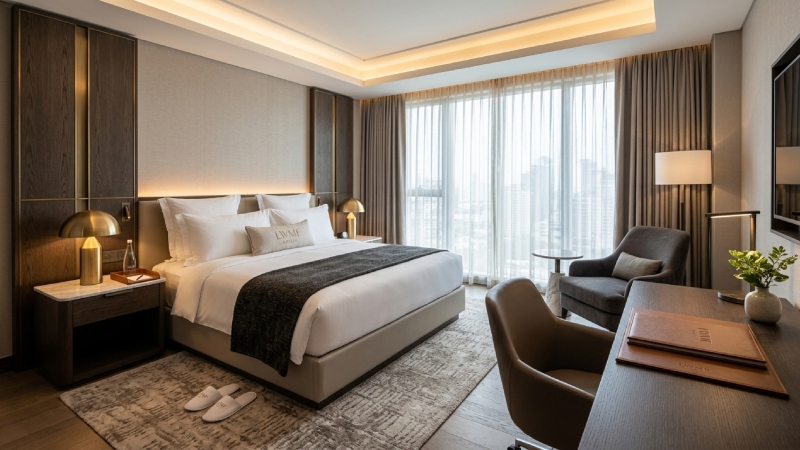
Hotel Room Template: A man sits in an airport lounge with forty minutes to kill. He opens three hotel tabs.
One page has a bright photo and a clear price; another has a slideshow that won’t load; and the third offers a paragraph about “a sanctuary of refined elegance.”
He books the first one and closes the rest.
Nobody wrote him a review. Nobody told the other two hotels why they lost. That’s the quiet cost of a weak room page.
A hotel room template is how you stop paying it.
What You’re Actually Building
Hotel Room Template: Skip the textbook definition. A room template is just a decision you make once: where the photo goes, where the price goes, what facts come first, how long the description runs, and where the button sits.
After that, every room you add slots into the same frame. You stop designing and start filling in blanks. For a small hotel with two or three staff, that alone is worth the effort.
Lead With a Photo That Tells the Truth
Most owners pick the prettiest photo. Pick the most honest one instead.
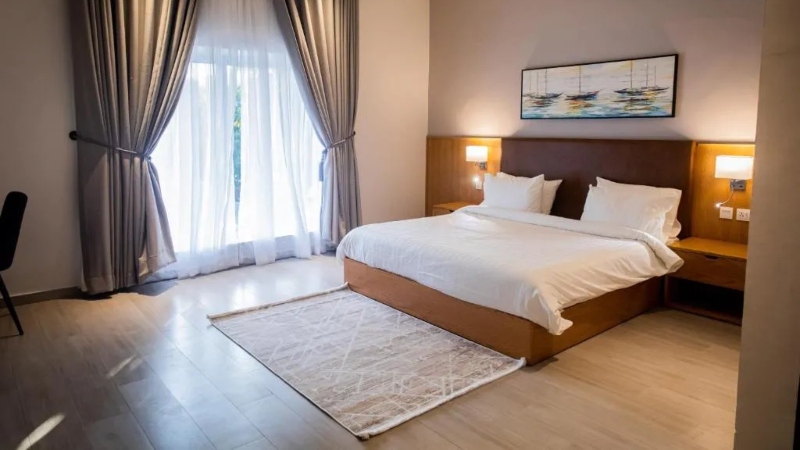
Open the curtains. Turn on every light. Make the bed the way housekeeping makes it at 2 pm, not the way a stylist would. Stand in the doorway and shoot what a guest sees when they walk in.
Wide lenses are tempting because they make a small room look like a ballroom. They also produce the review that says “much smaller than the pictures.” You can’t undo that sentence once it’s online.
Four to six photos are enough: the room, the bed, the bathroom, the view, and one detail shot. Guests look at the bathroom more than owners expect. Give them a clear one.
Put the Boring Facts Up High
Hotel Room Template: Price. Bed size. Number of guests. Floor or view. Breakfast: yes or no.
These aren’t exciting, and that’s the point. People checking these aren’t being romantic about your hotel yet. They’re ruling rooms in or out. Make it easy for the wrong guest to leave quickly and the right guest to stay.
I’d go further and say the total price, with taxes and charges, belongs here too. A cheap-looking rate that doubles at checkout is the fastest way to lose someone ready to pay you.
Names That Mean Something
“Superior Room” tells me nothing. Superior to what?
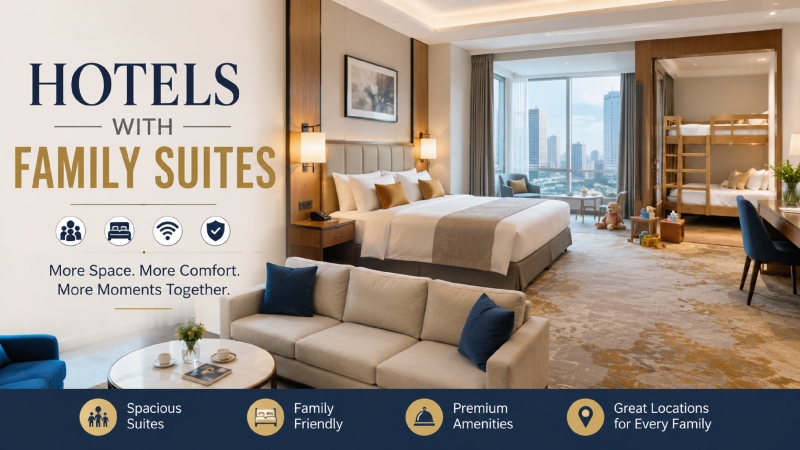
Try naming rooms by what’s different about them. “Quiet Double, Back Garden.” “Family Room, Two Beds, Ground Floor.” “Corner Suite, Two Balconies.” The guest learns something before reading a word of description.
And don’t dress up two similar rooms with two different names just to charge more. People open both tabs and compare. They always do.
Guests Worry About the Night, So Talk About It
This is the section most hotels skip, and it’s where the real doubt lives. Will it be loud? Too bright at 6 am? Too warm? Is the mattress hard?
You don’t need a long essay. One honest sentence does the job. “This room faces the main road, so expect some traffic noise until late.” Some guests will switch to the back rooms. Fine. The ones who book it won’t be angry at 1 am, because you told them.
Honesty looks risky on a sales page. In practice it’s what makes the rest of the page believable.
Amenities Without the Wall of Text
Nobody reads a list of thirty items. Split it into small blocks: sleep, bathroom, work, food and drink. Then lead each block with whatever actually helps.
A desk and a proper chair. A kettle and two cups. A hairdryer that has some power. A plug socket near the bed. Those small things decide bookings more often than a minibar ever will.
If something is limited, say so. Wi-Fi that works in the lobby but struggles upstairs shouldn’t be advertised as “high-speed in all rooms.” Your front desk will end up apologizing for it.
The Description Test
Here’s a quick filter. Take any sentence from your room description and picture it on a competitor’s page. If it fits just as well, cut it.
“Relax in comfort and style” could sit on any hotel’s page in the world.
Three or four short, plain sentences are enough. Something about the room, something about the area around it, and one honest note. If you can’t think of something special, look out the window. It’s usually there.
The Booking Button
Place it near the price. Pick a shade for the button that no other element shares. Repeat it at the bottom, because a guest who scrolled all the way down has already decided.
Then keep the policies short. Check-in, check-out, cancellation, kids, pets. If your cancellation rule needs three paragraphs to explain, the rule is the problem, not the formatting.
Check It on a Phone, Today
Pick up your own phone. Open your room page on mobile data, not office Wi-Fi. Can you see the price without zooming? Does the page load before you lose patience? Can your thumb hit the button?
Plenty of travelers will meet your hotel for the first time on a small screen in a bad moment: a delayed train, a queue, a taxi. If the page works there, it’ll work anywhere.
Getting the Template Made
You’ve got options at every budget.
Canva handles brochures, room cards, and social posts quickly. WordPress, Wix, and Squarespace have hotel layouts you can bend into shape. A custom design costs more, but it makes sense once your volume is high enough to justify it.
Whatever you choose, make one room page first. Hand it to a friend who has never been to your hotel and ask what’s missing. The answer will usually surprise you, and it’ll be more useful than any design trend.
Mistakes Worth Fixing This Week
- One description pasted across every room
- Prices hidden until the final step
- Night-time photos with a smudged window
- Fancy names that explain nothing
- Last season’s offers still sitting live on the page
You don’t need to fix all five. Fix two. See what happens to your enquiries.
The Last Word
People don’t book hotel rooms because the page is pretty. They book because the page answered their questions fast and didn’t lie to them. A good template makes that your default, room after room, without you having to think about it. Visit lwmfhotels for more details.